
 English
 Bengali
Dhaka999 App Native Android Power in Your Pocket
The Dhaka999 Android package ships as a direct APK from dhaka-999.net/app.apk. It's not listed on Google Play because Play doesn't distribute real-money gambling apps for Bangladesh — every licensed operator serving this market uses direct APK delivery, not just Dhaka999. File weighs about 22.5 MB. Runs on Android 5.0 (Lollipop, 2014) or newer. iOS users are not left out — the mobile casino site loads perfectly on Safari and Chrome for iPhone, with the same account, balance and library. Browse the full games catalogue from any device.
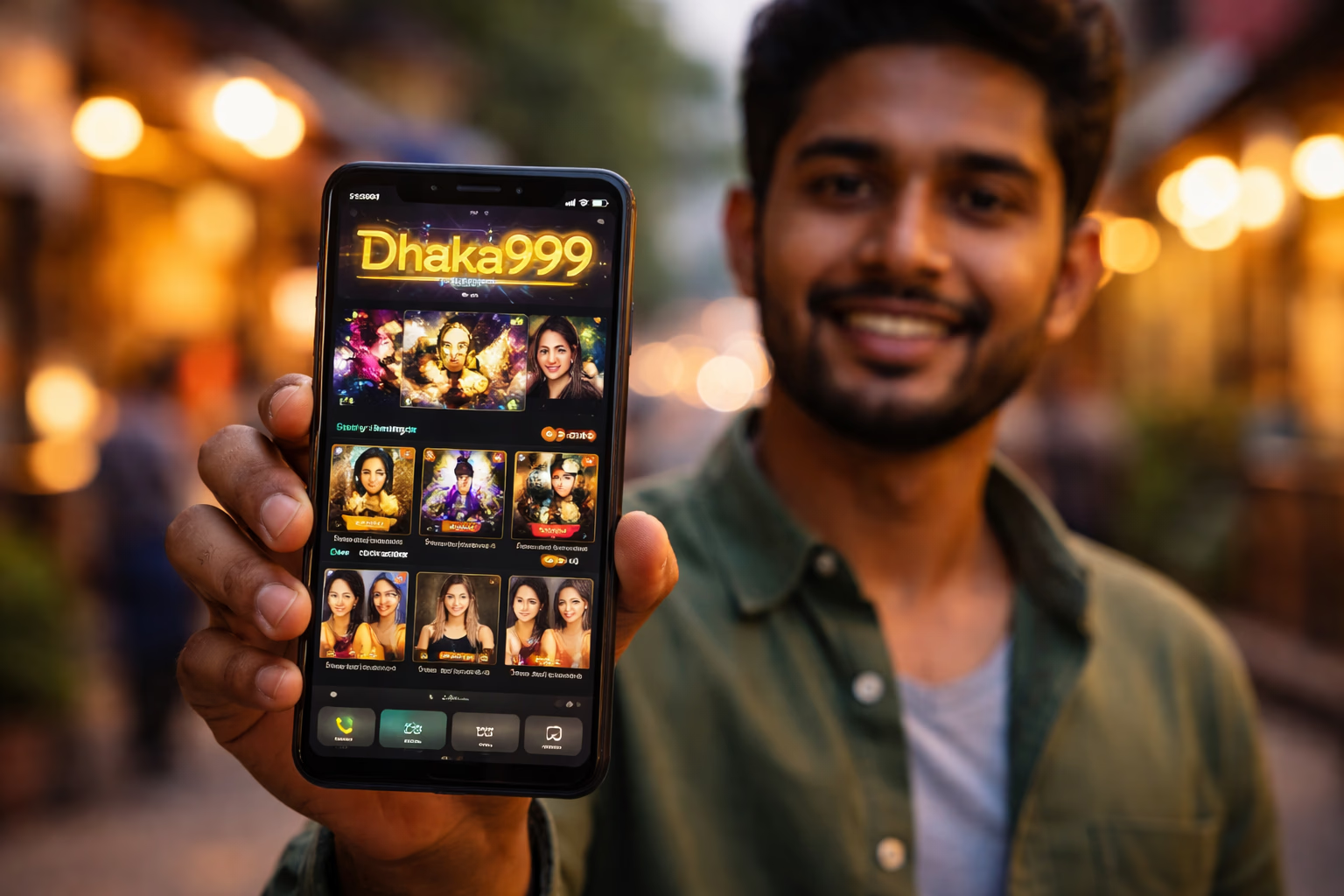
Why the Dhaka999 Mobile App Delivers More
Most gambling apps demand Android 7.0 or newer. Dhaka999 supports Android 5.0 because we understand that phones in Bangladesh stay in service for six, seven, sometimes eight years. The trade-off on our side is roughly 4 MB of extra compatibility code inside the APK. The gain on your side is genuine access on hardware that competing apps refuse to install on.
The native app delivers the entire casino, sportsbook and live studio experience through a faster, more resilient shell than the mobile browser. Dealer streams stay sharper, push notifications flag bonus drops and cricket kick-offs, and session handling is dramatically more consistent (no more losing your seat when a call comes in).
Account data lives on our servers, not on your handset. Balance, bonus progress, KYC status and betting history stay identical across web, mobile web and app — switch freely between them. Deposit on a desktop, play slots on a phone during your commute, cash out from a tablet at home without a single re-login.
Play NowMobile App Advantages Every Player Notices

One-Tap Launch
The app icon opens the platform in a single tap — no browser tab hunting, no URL typing, no risk of landing on a copycat phishing page. For players wary of fake domains (a genuine concern here — imitator sites appear regularly), the installed Dhaka999 app becomes your phishing-proof gateway. Spin slots directly.
App-Exclusive Rewards
Certain promotions are reserved for app users — free-spin drops timed to popular slot releases, cricket-match cashback boosts, and surprise reload bonuses that push notifications announce first. These push alerts simply don't function on the mobile web. Login to see today's offers.
Hardened Security
The app manages credentials more safely than any browser session. No browser autofill exposing your password. No cross-site cookies leaking data. The network layer uses certificate pinning — even if your device DNS is hijacked at a public Wi-Fi hotspot, the app refuses to connect to a spoofed server. Place your bets with confidence.
Real-Time Notifications
Push alerts cover deposit confirmations, withdrawal releases, bonus crediting, wagering completions, KYC approvals via verification, match starts on pending sports bets, tournament leaderboard changes and platform announcements. Every category is togglable in Android → Settings → Dhaka999 → Notifications.
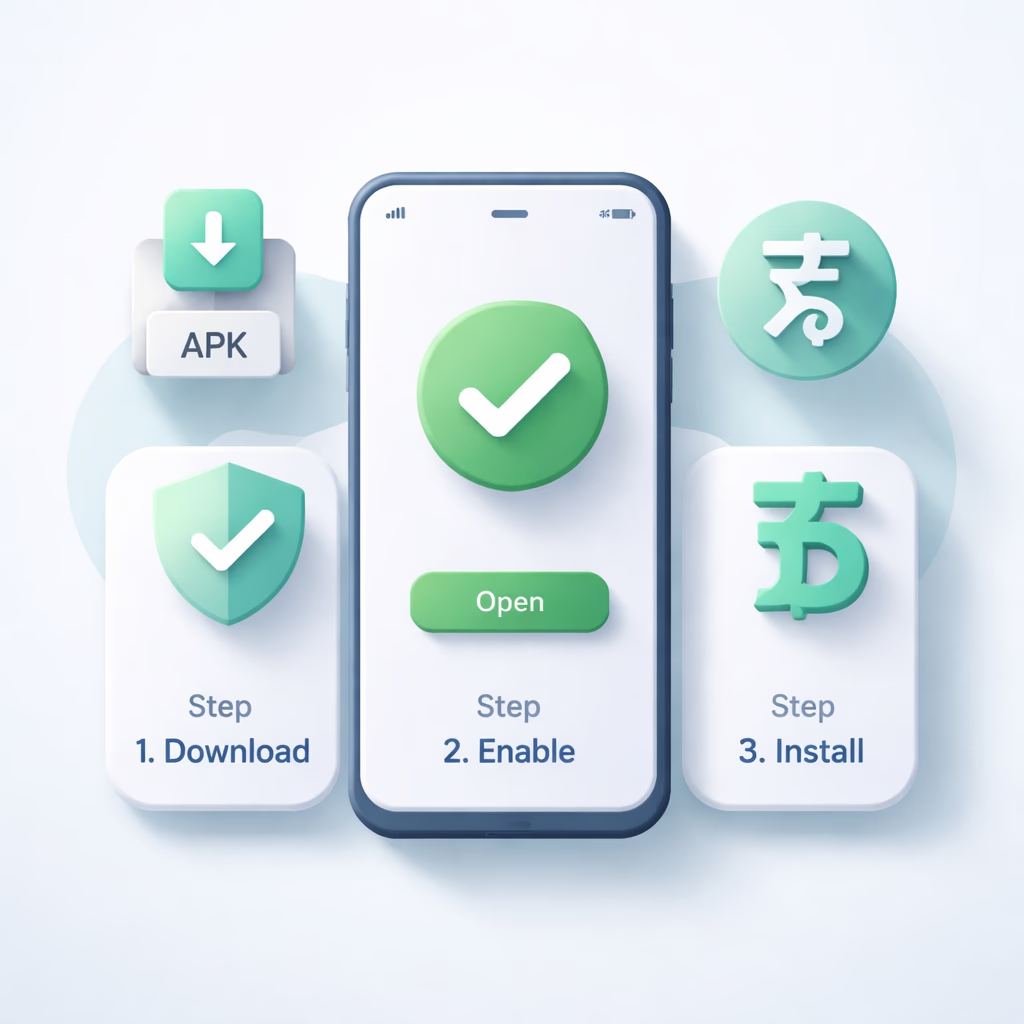
How to Download and Install the Dhaka999 APK
Step 1 — Download the APK File
Tap Download APK on this page or anywhere on dhaka-999.net. The 22.5 MB file lands in your phone's Downloads folder. Your browser might raise a security warning because the package didn't come from Play Store — this is completely normal. Confirm the download. If a friend forwarded the link from anywhere other than dhaka-999.net, type dhaka-999.net manually into your browser first — copycat sites push tampered APKs that look identical but hide malware. Reach us via support at [email protected] if anything looks off.
Step 2 — Allow Installs From Unknown Sources
Android blocks installations from outside Play by default. When you tap the APK, Android will prompt you to allow your browser (Chrome, Samsung Internet, Opera — whichever you used) to install apps. Tap Settings, toggle "Allow from this source" on. You can flip it back off after the install completes — it's a per-app permission, not a system-wide gate. On older Android versions (pre-8.0), the equivalent switch lives under Settings → Security → Unknown Sources.
Step 3 — Install and Sign In
Tap the APK file in Downloads or the notification tray. Android displays the permission list (Internet, Storage, Notifications, optional Camera for in-app document uploads). Review and confirm. Installation completes in 10–30 seconds. First launch pulls a game-asset cache of 50–80 MB — a one-time step, and every subsequent open is instant. Sign in with your Dhaka999 username and password — the identical credentials you use on web. Curious about the company behind the app? Read our about page.
Why the Dhaka999 App Beats Desktop for Mobile-First Players
Cold-start speed. The mobile site must fetch HTML, CSS, JavaScript, fonts and imagery on every visit. The app already stores those resources locally — cold launch drops to under a second. Multiplied across 40 or 50 sessions a month, that reclaims meaningful minutes.
Battery drain. Counter to intuition, the app consumes less power than the mobile site for equivalent play. Browser tabs render the full DOM tree and re-execute JavaScript on every tap; the native UI is fundamentally lighter. Expect 3–5% per hour of slot play through the app versus 6–10% via mobile browser.
Desktop players and anyone who genuinely prefers a browser experience lose nothing — the mobile site carries the full catalogue and behaves flawlessly on any handset. The Dhaka999 app isn't compulsory; it's simply the best option for phone-first players.
Enter the App
